How it works
From download to first game in three steps
-
1
Install PCSX2
Grab the stable build from the download hub—Windows, Linux, or macOS.
-
2
Add your BIOS
Dump the BIOS from your own PS2. PCSX2 does not provide BIOS files.
-
3
Load your games
Add ISOs or discs, pick Vulkan or DirectX 12, map your controller, play.
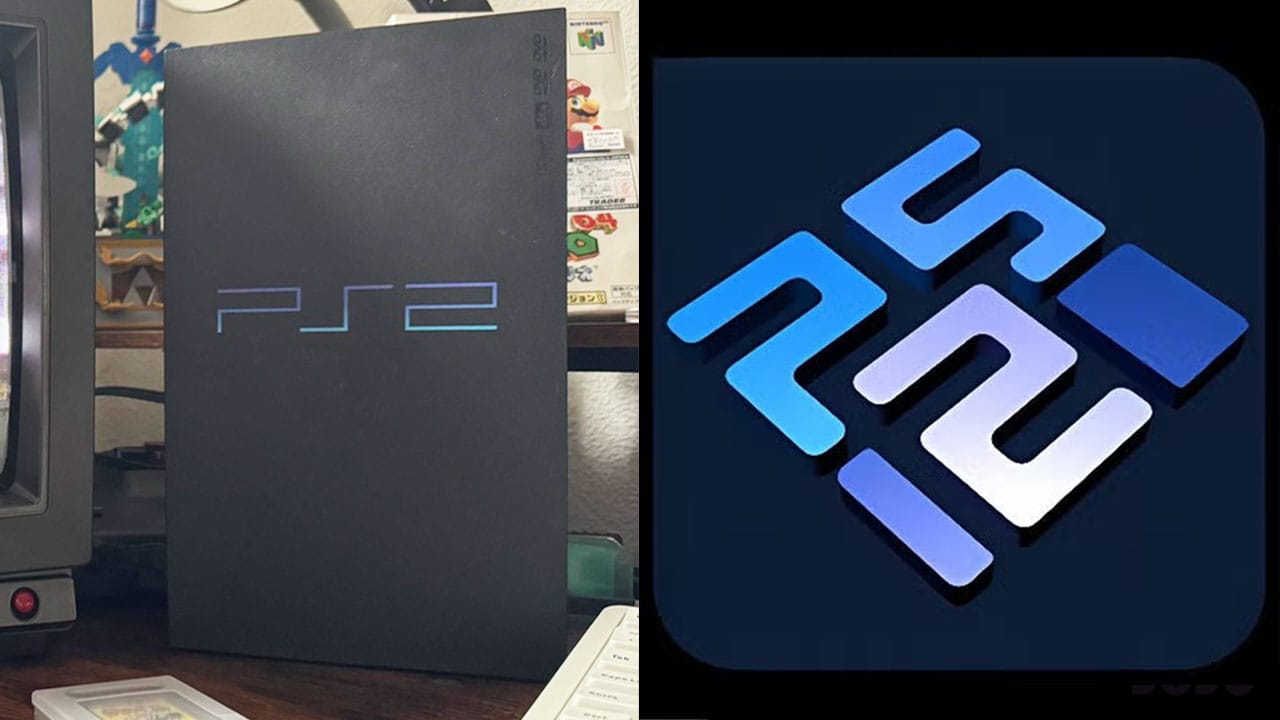
After the three steps: first-run checklist
Use this like a pilot checklist—skip nothing the first time, then you can relax once you know your games.
- Confirm PCSX2 version in Help → About matches what you downloaded.
- Point BIOS to a folder containing a dump you made—not a random zip from the web.
- Add game search directories so the list populates; avoid deep nested paths with odd permissions.
- Run System → Boot ISO and watch the title bar for % speed before tweaking graphics.
- Map controller in Settings → Controllers; test analog and pressure if the game needs it.
- Enable save states only after you understand they can desync some minigames—keep memcard saves for safety.
Where files usually live
Portable vs. installed copies differ; the Qt UI exposes most paths in settings. Typical folders include bios, memcards, snaps, and cheats.
Back up memory cards before testing nightly builds or aggressive cheats—corruption is rare but annoying.
Platform notes
- Windows
- Install VC++ runtime if prompted; prefer vendor GPU drivers over generic Microsoft Basic Render Driver for Vulkan.
- Linux
- Ensure user is in the right input group; Wayland vs. X11 can affect fullscreen—document your session when asking for help.
- macOS
- Apple Silicon builds exist; some paths require explicit permission prompts for Documents or external volumes.
Stuck mid-setup? Capture a screenshot of your graphics settings, note your CPU model, and search the wiki for the exact game serial (e.g. SLUS-20946) before opening a thread—that alone speeds answers dramatically.